

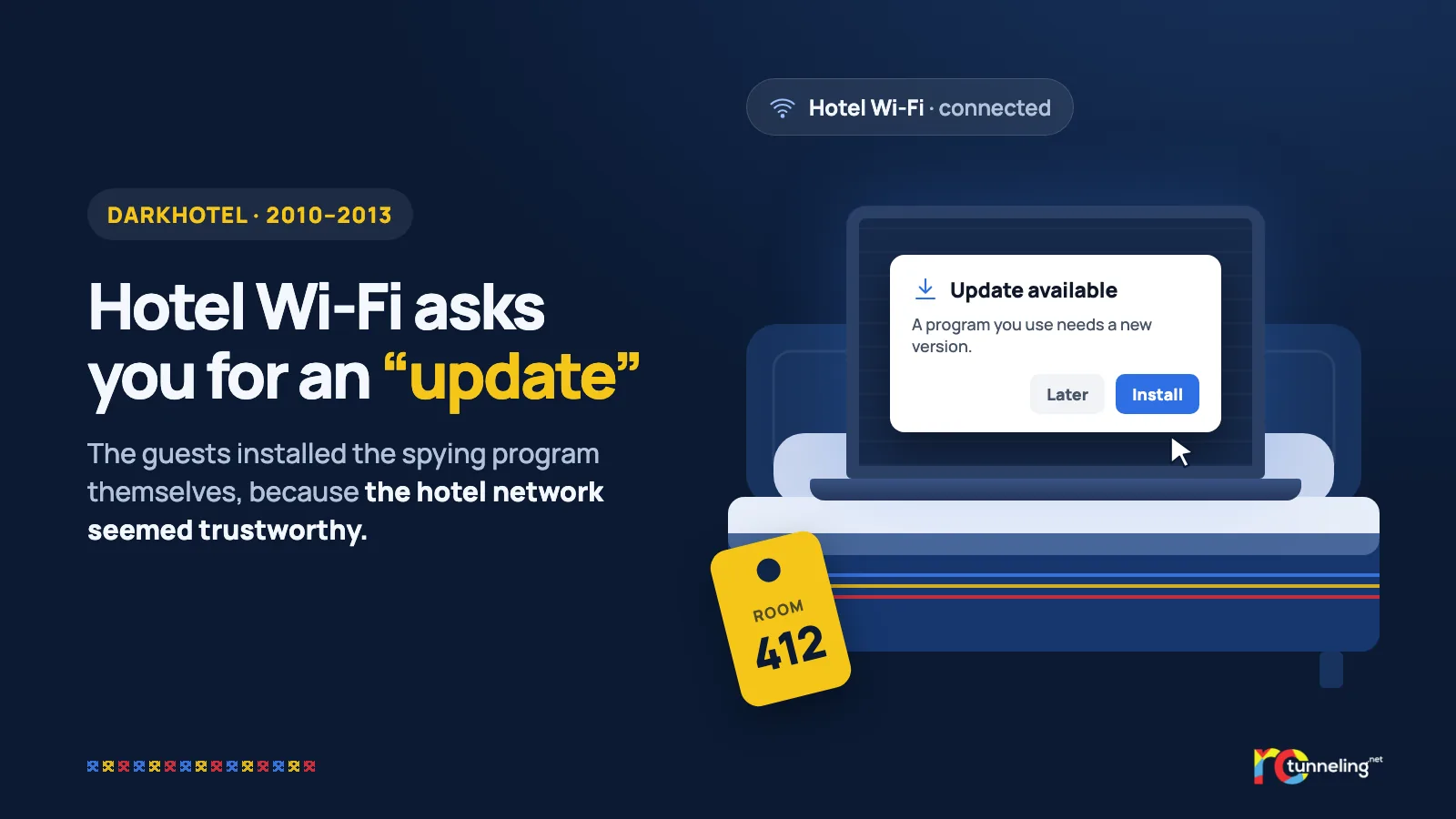
You arrive at the hotel in the evening after a long day. You connect to the Wi-Fi with your surname and room number, as the login page asks. A window pops up saying a well-known program needs an update. You click "Install", because it looks normal. For years, executives from large companies were spied on in exactly this way.
What happened
In November 2014, Kaspersky researchers published their analysis of a group they named DarkHotel. Its targets were important people on business trips, such as CEOs, vice presidents, and heads of sales and research. The attacks through the networks of luxury hotels in Asia-Pacific were most active between August 2010 and 2013. The group's tools had existed since 2007, and the first infections dated from 2008.
Kaspersky counted thousands of infections, about 90% of them in Japan, Taiwan, China, Russia and South Korea. Nobody was arrested, and the attackers were never officially linked to any country.
How it worked, step by step
- The attackers had access to the hotel network.
- The guest logged in to the Wi-Fi with their surname and room number, so the attackers knew exactly who had connected.
- A fake "update" for a popular program appeared on screen. The file was signed with stolen or weak certificates to make it look legitimate.
- The "update" installed a spying program. That program then downloaded a keylogger, which recorded everything the guest typed, and a tool that stole the passwords saved in the browser.
- After an attack, the group removed its tools from the hotel network so it would leave no traces.
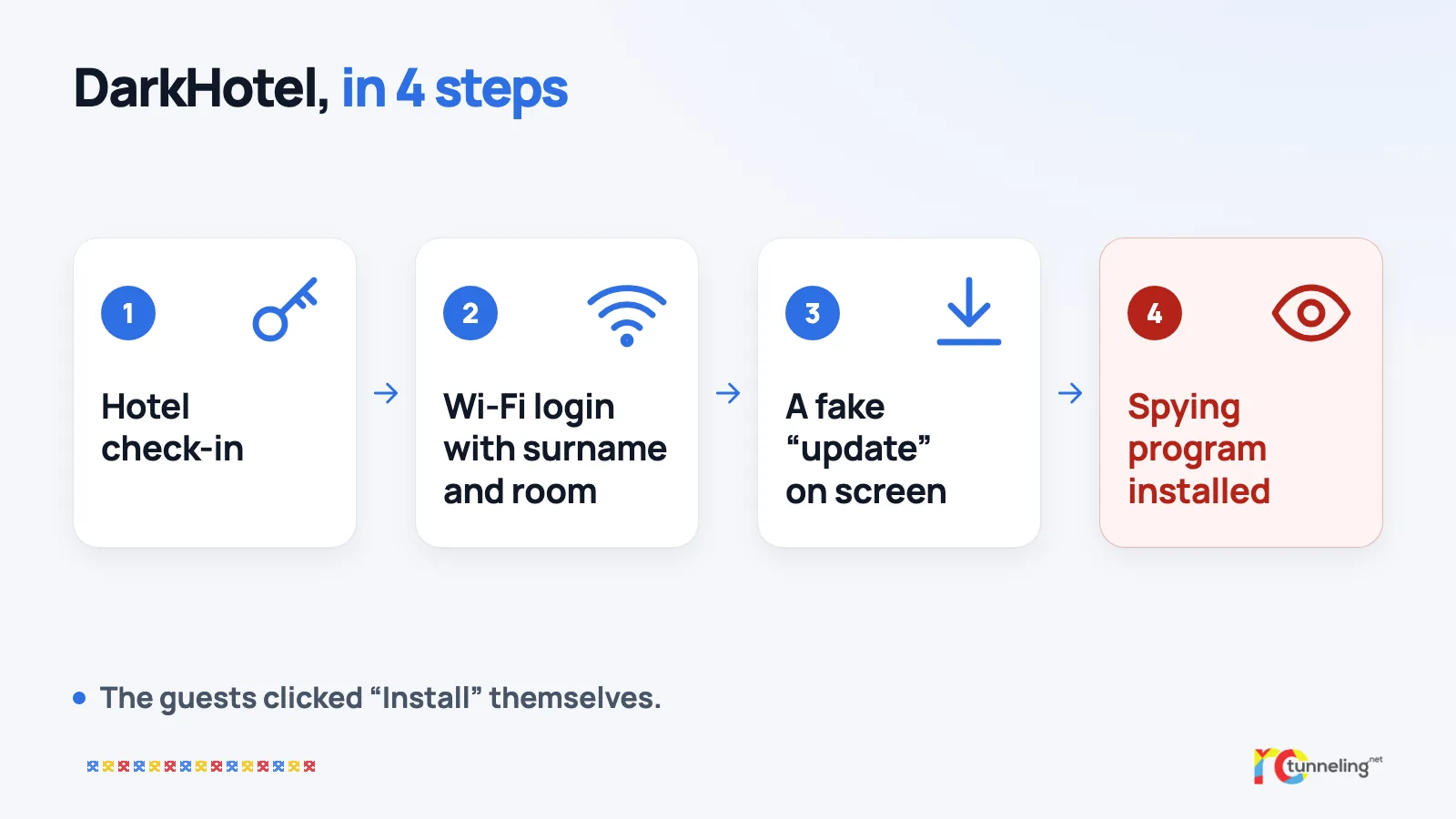
The most unsettling detail is that nobody broke into the laptops directly. The guests installed the program themselves, because the hotel network seemed trustworthy.
What protects you
- Never install an update from a window that pops up on public Wi-Fi. Update only from your system settings or from the app's own menu.
- Do your updates at home before you travel, on your own network.
- Turn on two-step verification (2FA) for your email and social media. A stolen password is then not enough on its own.
- Don't save important passwords in the browser on the laptop you travel with. A password manager is safer.
- Use a VPN on any hotel Wi-Fi. Kaspersky itself recommended this in its 2014 report, because a VPN hides your traffic from a compromised local network.
Where a VPN helps and where it doesn't
A VPN encrypts the traffic between your device and the VPN server. The hotel network sees only encrypted data, so it can't read what you send or change the pages you open. That shuts down a large part of what made DarkHotel possible.
A VPN won't stop you from clicking "Install" on a fake file yourself, though. Habit matters here. Updates come from your settings, never from windows that appear out of nowhere.
RoTunneling in short
RoTunneling VPN encrypts the connection between your device and our servers on any Wi-Fi, whether you're in a hotel, an airport or a café. Our apps for Windows, macOS, Linux and Android also connect on restrictive networks that block VPNs. Your traffic leaves through a fast EU exit in Romania, our DNS protection stops malware, phishing and scam sites before they load and blocks some trackers, and we keep no browsing logs. We have been running since 2010. More at rotunneling.net.
Sources
- Kaspersky, press release, 10 November 2014: https://www.kaspersky.com/about/press-releases/kaspersky-lab-sheds-light-on-darkhotels-where-business-executives-fall-prey-to-an-elite-spying-crew
- Kaspersky Securelist, "The Darkhotel APT", 10 November 2014: https://securelist.com/the-darkhotel-apt/66779/