

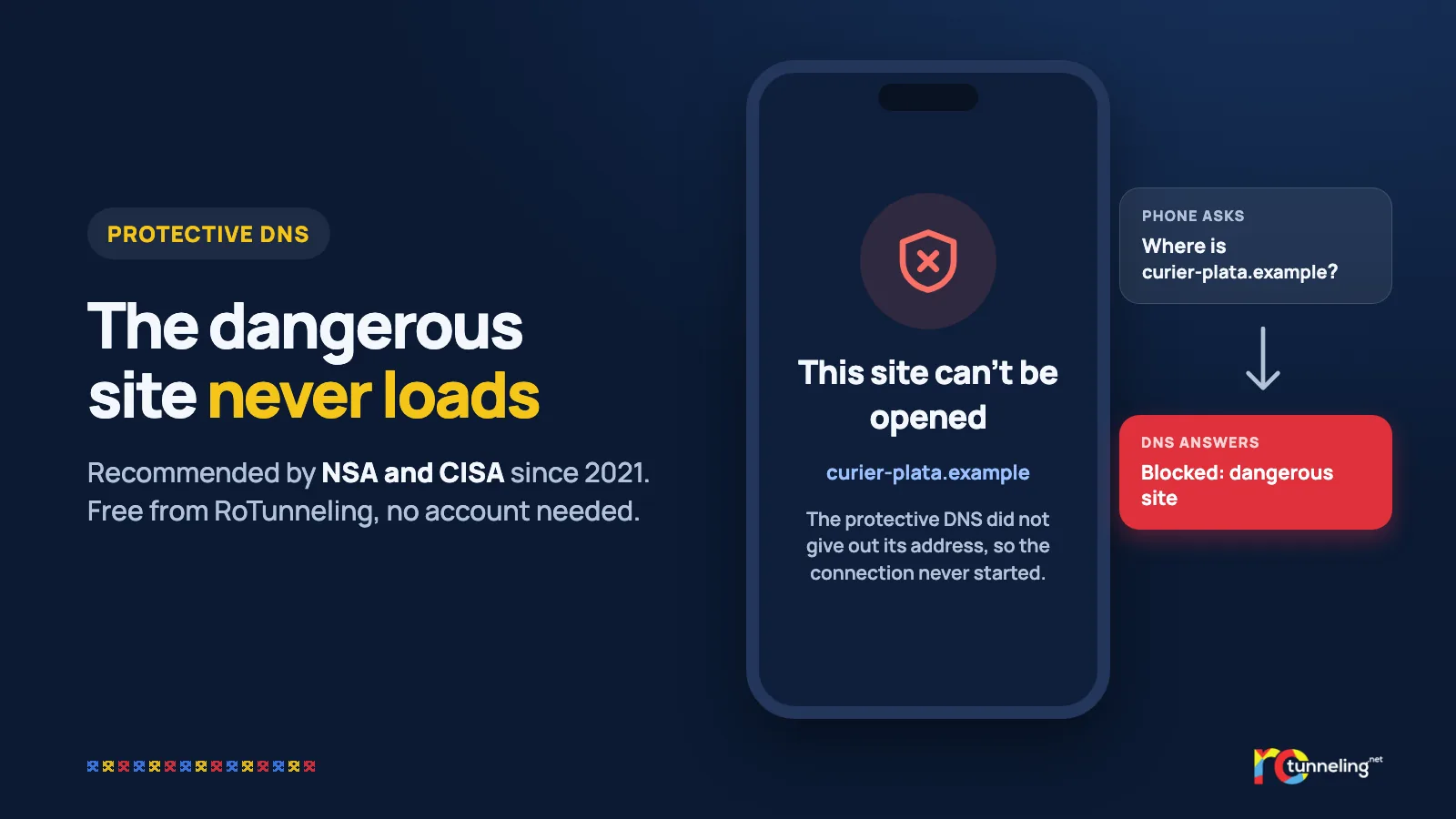
Before any website opens, your phone asks a short question: "What address do I find this name at?" The answer comes from a DNS server, a kind of phone book for the internet. Few people ever think about it. Security agencies have, and for several years they have recommended a DNS that refuses to give out the address of dangerous sites.
What DNS is and why it matters
DNS turns a name like "magazin.example" into the numeric address of the server. In its classic form, these questions travel unencrypted, so anyone along the way can see them and sometimes change them: the café Wi-Fi, a hotel router, your internet provider. DNS over HTTPS (DoH), standardised in 2018, encrypts these questions.
A protective DNS goes one step further. Before it answers, it checks the requested name against lists of sites known to be dangerous.
What the agencies recommend
- NSA and CISA (US). On 4 March 2021 they published the guide "Selecting a Protective DNS Service". According to CISA's alert, protective DNS "can greatly reduce the effectiveness of ransomware, phishing, botnet, and malware campaigns" by blocking known malicious domains.
- NCSC (UK). The UK's National Cyber Security Centre provides protective DNS to public sector organisations. In 2020 the service handled more than 237 billion requests and blocked nearly 105 million of them, for nearly 160,000 domains used by criminal groups, many of them linked to ransomware.
- DNS4EU (European Union). The European DNS resolver, co-funded by the EU and supported by ENISA, the EU's cybersecurity agency, was announced on 9 June 2025. It is free and has an option that blocks known fraudulent and malicious sites.
The same idea shows up in the US, the UK and the EU: the simplest moment to stop an attack is before the page even loads.
How blocking works, step by step
- You tap a link, for example "curier-plata.example".
- Your phone asks the protective DNS for the site's address.
- The DNS checks the name against its threat lists.
- If the name is dangerous, your phone does not get the real address and the connection never starts. The page does not load at all, so it has nothing to ask you for and nothing to install.
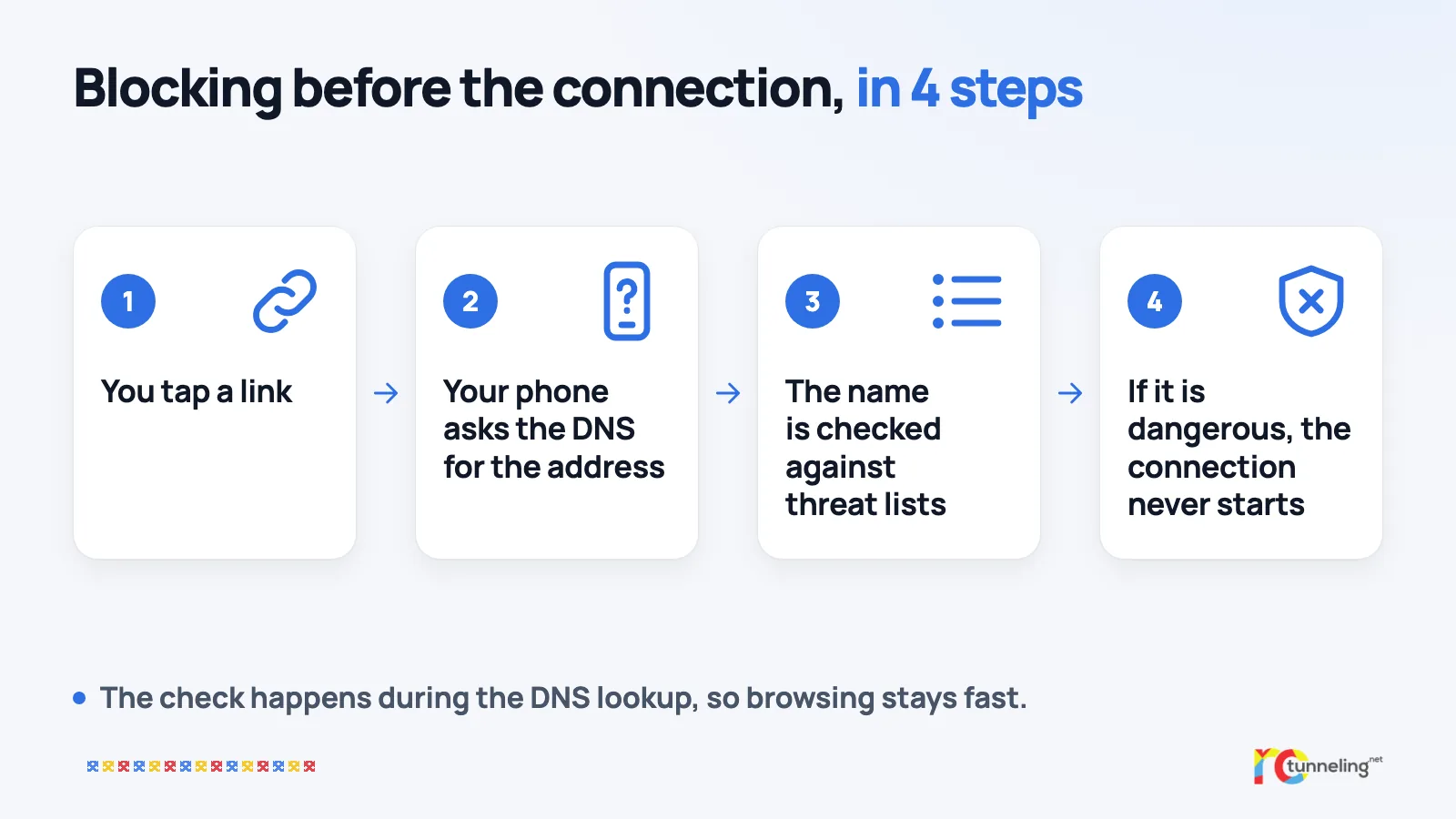
The check happens during the DNS lookup itself, so it does not slow down your browsing.
RoTunneling Protect – Malware and Phishing Protection, in the RoTunneling app or through its DoH address, can stop:
- phishing pages imitating banks, couriers, online shops, payment services, email or social media accounts;
- fake shops and fraudulent investment sites;
- servers spreading viruses, trojans and ransomware;
- command servers, from which a malicious program already installed gets its orders;
- ad networks that spread malware, plus aggressive pop-ups and redirects;
- tracking servers and some intrusive ad networks;
- hidden code that uses your processor to mine cryptocurrency;
- phone spying apps (stalkerware);
- fake betting sites and unlicensed casinos.
The sources behind the lists include Vatra Sentinel, a system developed in Bucharest that we wrote about on Monday, and national security teams (CERTs) in several countries.
Protect over DoH: free, with no account
- It is free for everyone, RoTunneling customer or not, and needs no account.
- The RoTunneling Protect DoH address to put in your settings: https://dns.rotunneling.net/dns-query/public
- It works on phones, tablets and computers. The most widely used browsers have a "secure DNS" option where you enter the address above, and the guide has the steps for phones and computers.
- DNS lookups are not stored.
- In the RoTunneling app, the protection is on by default while you are connected. You don't need the VPN to use the DoH address.
The full guide, with steps for each device, is at rotunneling.net.
What it doesn't do
- It doesn't stop a fake page that appeared recently and hasn't been flagged yet. If you type your password there, the DNS has no way to stop you.
- It doesn't remove a malicious program that is already installed. It can cut its link to known command servers, but the cleanup is your antivirus's job.
- It doesn't protect you from a call or a message that talks you into sending money.
- It doesn't encrypt all your traffic or hide your IP address. That is what the VPN is for.
It reduces the risk. It does not replace your attention or your antivirus.
RoTunneling in short
RoTunneling VPN encrypts the connection between your device and our servers in Romania on any Wi-Fi, and if you need Romanian sites from abroad, it gives you a Romanian IP. Protect comes included in the app. If you only want the protective DNS, you can have it for free, with no account. More at rotunneling.net.
Sources
- CISA, "Joint NSA and CISA Guidance on Strengthening Cyber Defense Through Protective DNS", 4 March 2021: https://www.cisa.gov/news-events/alerts/2021/03/04/joint-nsa-and-cisa-guidance-strengthening-cyber-defense-through
- NSA and CISA, "Selecting a Protective DNS Service": https://media.defense.gov/2025/Mar/24/2003675043/-1/-1/0/CSI-SELECTING-A-PROTECTIVE-DNS-SERVICE-V1.3.PDF
- NCSC, "Active Cyber Defence (ACD): The Fourth Year", May 2021, page 39: https://www.ncsc.gov.uk/sites/default/files/documents/Active-Cyber-Defence-ACD-The-Fourth-Year.pdf
- Help Net Security, on the DNS4EU launch, 9 June 2025: https://www.helpnetsecurity.com/2025/06/09/eu-launches-eu-based-privacy-focused-dns-resolution-service/
- DNS4EU, public service announcement: https://joindns4.eu/learn/dns4eu-public-service-launched
- RFC 8484, DNS Queries over HTTPS (DoH), October 2018: https://www.rfc-editor.org/rfc/rfc8484