

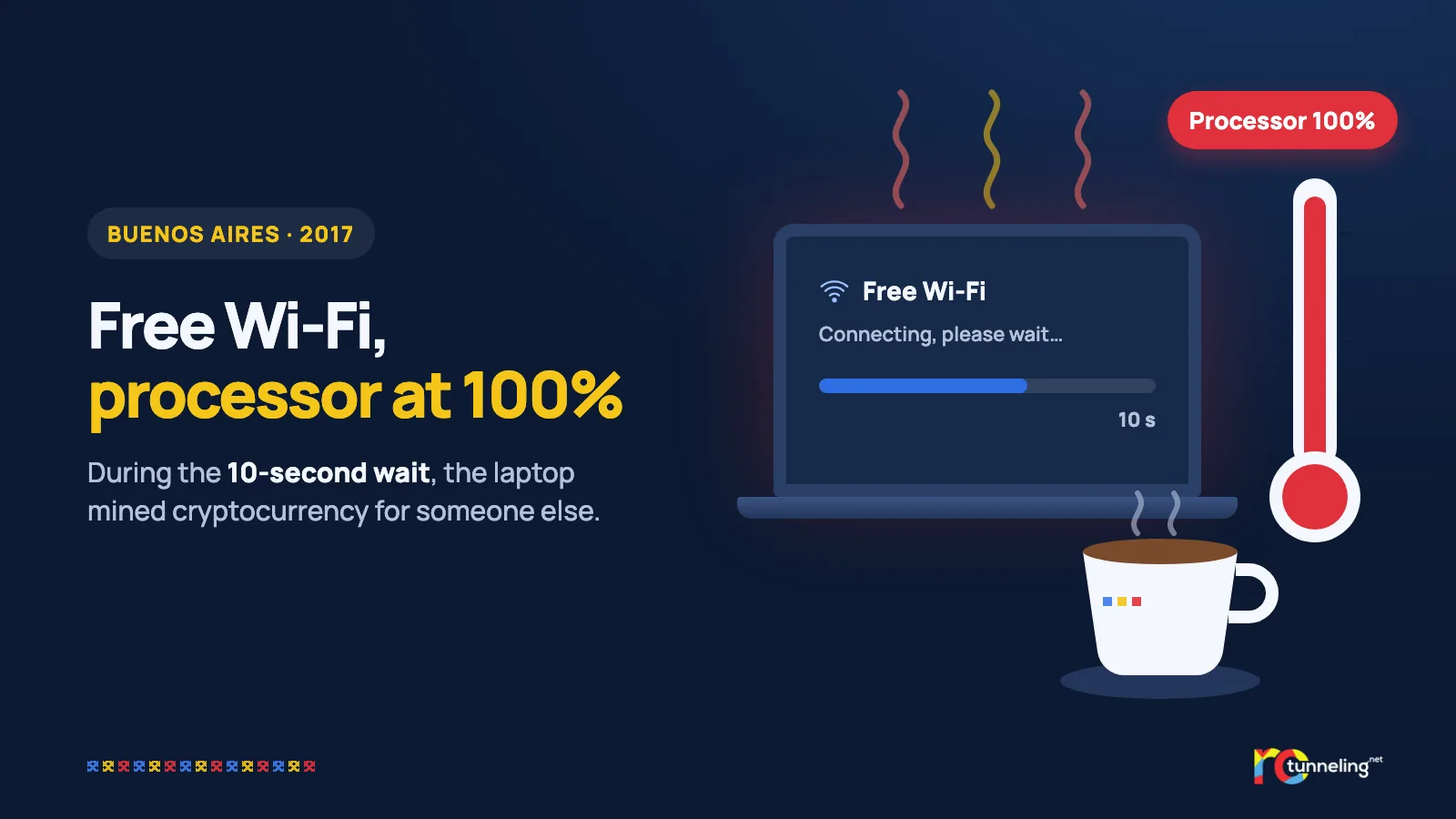
You sit down in a café, connect to the free Wi-Fi and wait a few seconds for the internet to start. The laptop warms up a little, the fan kicks in, and the battery drains faster than usual. You don't think anything of it. In Buenos Aires in 2017, during exactly those seconds, your laptop was working for someone else.
What happened
On 2 December 2017, the head of a tech company posted on social media that a friend had noticed something odd about the Wi-Fi at a café belonging to an international coffee chain in Buenos Aires. After you connected, the network made you wait about 10 seconds. During that time, the page loaded hidden code that mined the cryptocurrency Monero using the customers' processors.
The problem showed up in several of the chain's cafés in the city. The chain said the Wi-Fi was run by its internet provider, "not by us", and announced about a week later that the problem had been fixed. It never became public whether the provider had been hacked or had done it on purpose.
How it worked, step by step
- You connect to the free Wi-Fi.
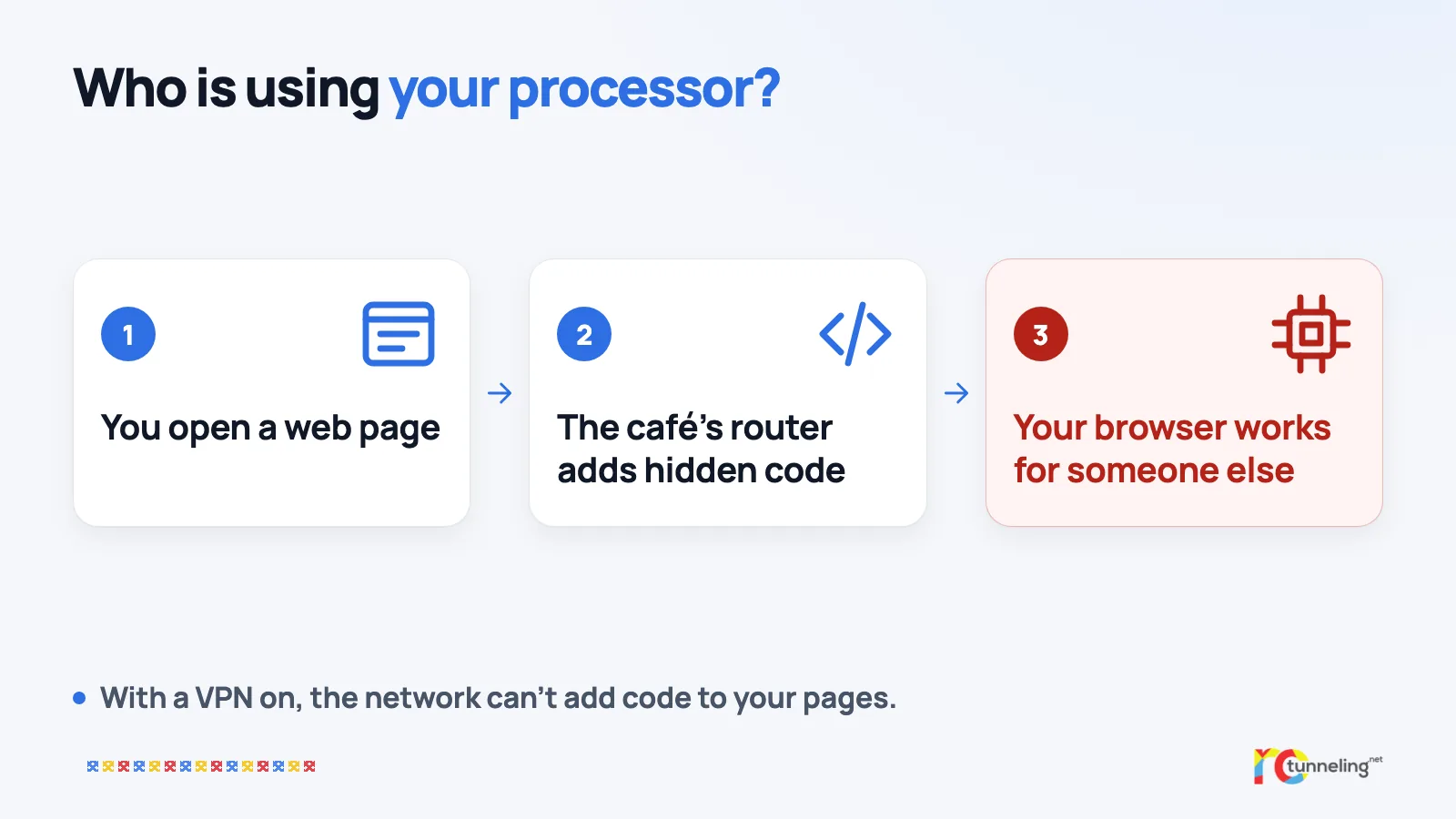
- The waiting or login page contains hidden code.
- Your browser runs the code without asking you.
- Your processor works hard for someone else, who collects the cryptocurrency.
- You're left with a flat battery and a hot device.
The bigger lesson
The mining is the "mild" part of the story. The case shows something more important. Whoever runs a network can change the unencrypted (HTTP) pages that pass through it. They can add code, ads or even dangerous programs. The same trick was used a year later by VPNFilter, the spying program that infected 500,000 routers.
What protects you
- Close the Wi-Fi login page quickly once you're connected.
- Check the address in your browser. The padlock and "https" show that the page is encrypted.
- Watch for the signs on a new Wi-Fi network, such as the fan running for no reason, a hot laptop or a battery that suddenly drops.
- Keep your browser updated. Modern browsers block many mining scripts.
- Use mobile data when you don't trust the network.
Where a VPN helps and where it doesn't
Here a VPN really helps. With the VPN on, the café network sees only encrypted traffic and can't add anything to the pages you open.
A VPN doesn't protect the Wi-Fi login page, though, because that page loads before any VPN can start. That's why you close it as soon as you're connected.
RoTunneling in short
RoTunneling VPN encrypts the connection between your device and our servers, so no network along the way can read or change your traffic. Our apps for Windows, macOS, Linux and Android also connect on restrictive networks that block VPNs, including hotspots with a login page. Your traffic leaves through a fast EU exit in Romania, our DNS protection stops malware, phishing and scam sites before they load and blocks some trackers, and we keep no browsing logs. We have been running since 2010. More at rotunneling.net.
Sources
- Silicon UK, 18 December 2017: https://www.silicon.co.uk/workspace/starbucks-wi-fi-mine-cryptocurrency-226219
- Trend Micro, on cryptojacking (in Spanish): https://www.trendmicro.com/vinfo/es/security/news/cybercrime-and-digital-threats/cryptojacking-gaining-traction-as-starbucks-and-streaming-users-targeted
- Cisco Talos on VPNFilter and page tampering: https://blog.talosintelligence.com/vpnfilter-update/