

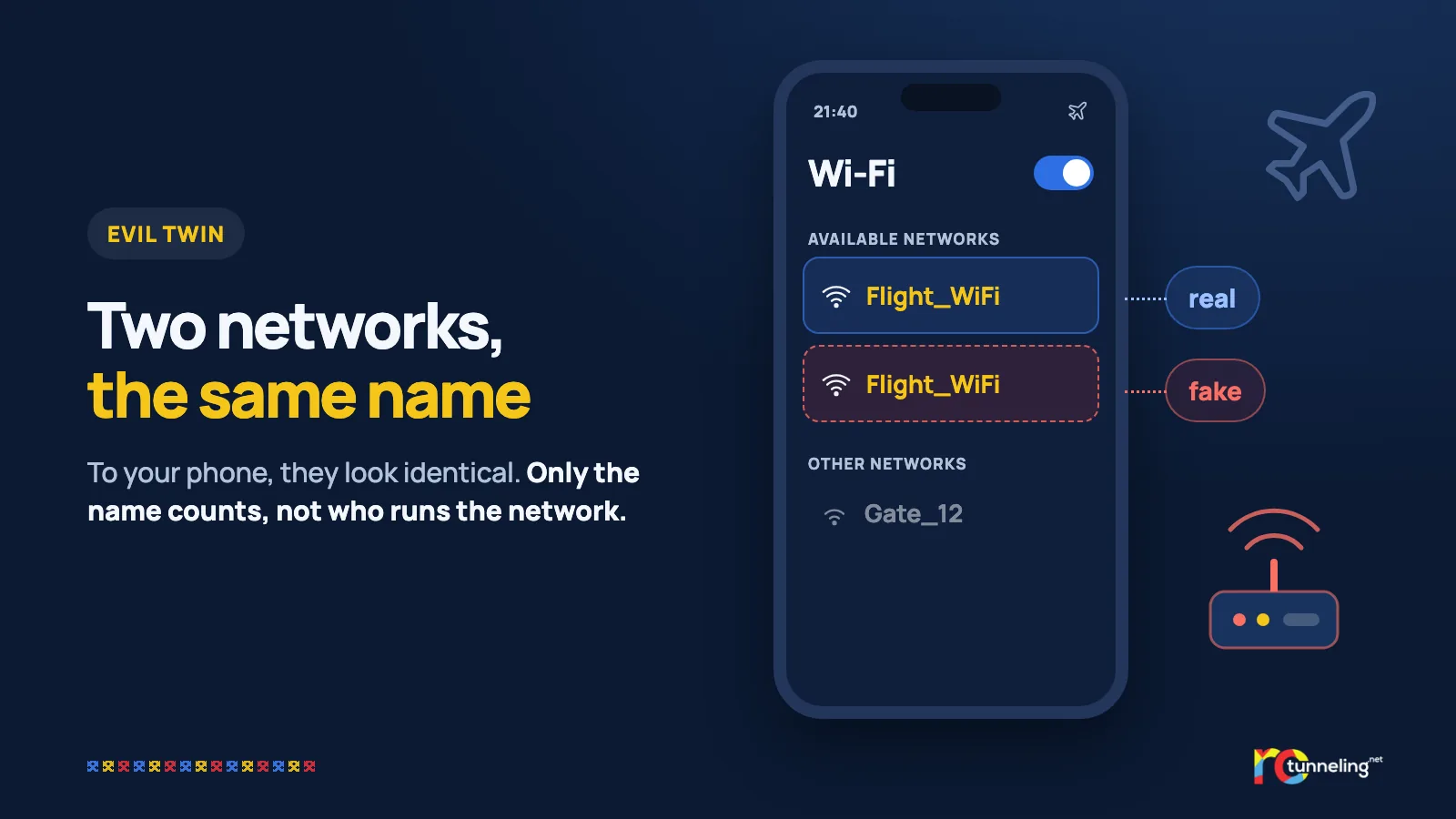
You're on a plane, and your phone finds a Wi-Fi network with the airline's name and connects on its own. A page asks you to log in with your email or social media account "to get free internet". The internet never arrives. Your password, meanwhile, has already reached someone else.
What happened
In April 2024, an airline in Australia reported a suspicious Wi-Fi network during a domestic flight. On 19 April 2024, the Australian Federal Police (AFP) searched the hand luggage of a 44-year-old man from Western Australia at Perth airport. Officers found a portable wireless access device, a laptop and a phone.
Investigators found fake networks at the airports in Perth, Melbourne and Adelaide and on domestic flights. The man used the login details he collected this way to get into women's accounts, where he stole thousands of intimate photos and videos. The day after the search, he tried to delete 1,752 files from a storage account and to wipe his phone remotely.
He pleaded guilty to 15 charges. On 28 November 2025, a court in Perth sentenced him to 7 years and 4 months in prison.
How it worked, step by step
This kind of attack is called an "evil twin".
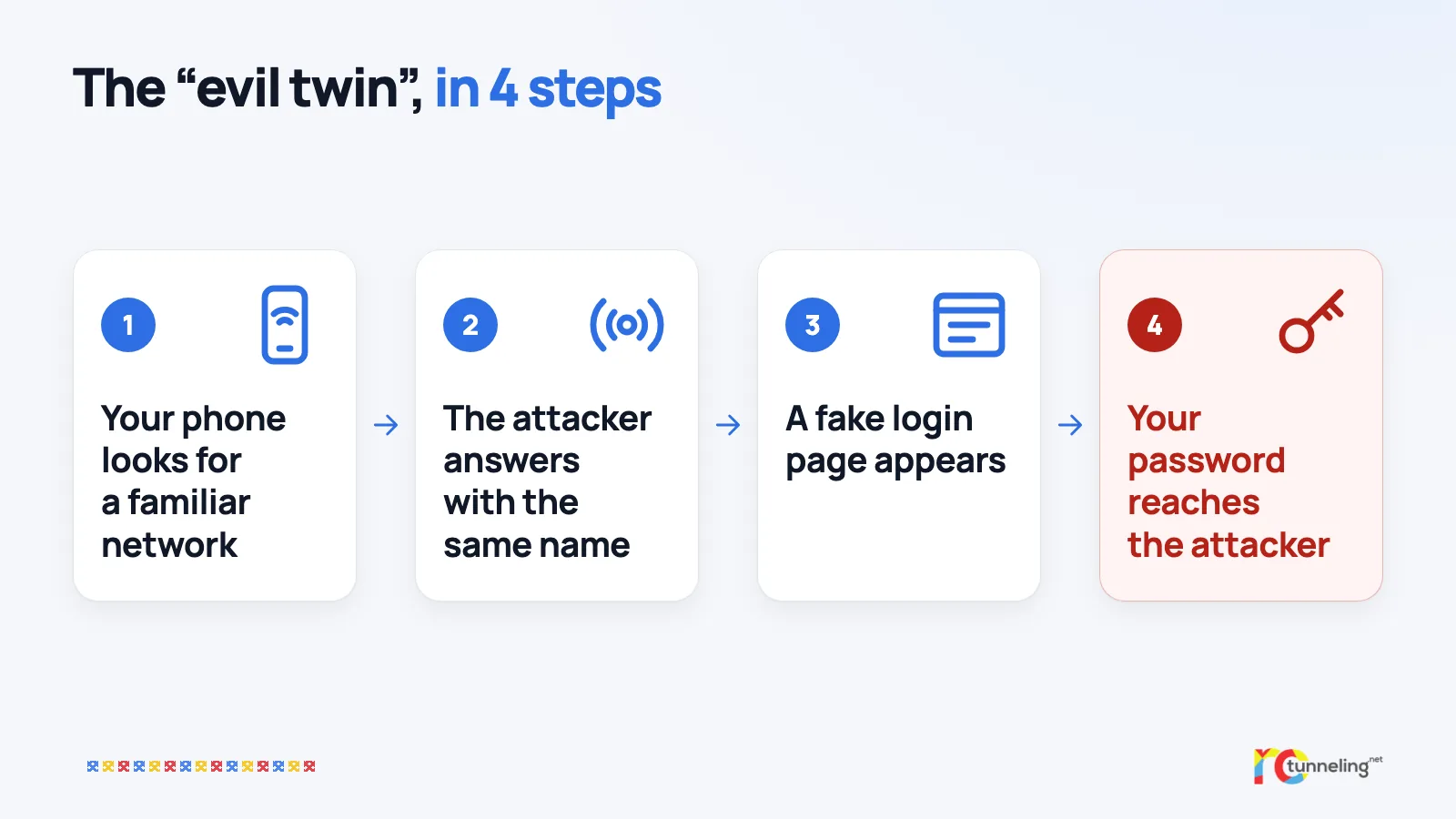
- Your phone remembers the networks you've joined before and looks for them by itself, wherever you are.
- The attacker's device "listens" for these searches and creates a network with exactly the same name.
- The phone sees a familiar name and connects automatically, without asking you.
- A fake login page appears and asks for your email or social media account.
- Everything you type is saved on the attacker's laptop.
To your phone, two networks with the same name look identical. Only the name counts, and the phone has no way to tell who runs the network.
What protects you
- Never give your email or social media password to a Wi-Fi page. A real network asks at most for a code you got at boarding or at reception, or for you to accept its terms.
- Turn off automatic joining for public networks, and tap "Forget this network" once you leave the airport or hotel.
- Turn on two-step verification (2FA) for all your important accounts.
- Use a password manager. It won't fill in your password on a fake page, because the address doesn't match. That's a free warning sign.
- When you can, use mobile data instead of public Wi-Fi.
Where a VPN helps and where it doesn't
We have to be honest here. In the Australian case, a VPN would not have helped. The victims typed their own passwords into the attacker's page, and that page appears before any VPN can start.
A VPN helps once you're past the login page. From then on, the network, real or fake, sees only encrypted traffic and can't read or change what you do. The AFP also recommends a trusted VPN on public Wi-Fi, but rule number one stays the same. Never put a password into a Wi-Fi network's page.
RoTunneling in short
RoTunneling VPN encrypts the connection between your device and our servers wherever you connect. Our apps for Windows, macOS, Linux and Android also connect on restrictive networks that block VPNs, including hotspots with a login page. Your traffic leaves through a fast EU exit in Romania, our DNS protection stops malware, phishing and scam sites before they load and blocks some trackers, and we keep no browsing logs. We have been running since 2010. More at rotunneling.net.
Sources
- Australian Federal Police (AFP), media release, 28 November 2025: https://afp.gov.au/news-centre/media-release/wa-man-jailed-stealing-intimate-material-and-using-evil-twin-wifi
- SecurityWeek, December 2025: https://www.securityweek.com/australian-man-sentenced-to-prison-for-wi-fi-attacks-at-airports-and-on-flights/
- BleepingComputer, on the 2024 charges: https://www.bleepingcomputer.com/news/security/australian-charged-for-evil-twin-wifi-attack-on-plane/