

The router is the forgotten box in the corner of the room. Someone sets it up once, with the password printed on the label, and then nobody looks at it again for years. VPNFilter, one of the largest attacks on home routers, counted on exactly that.
What happened
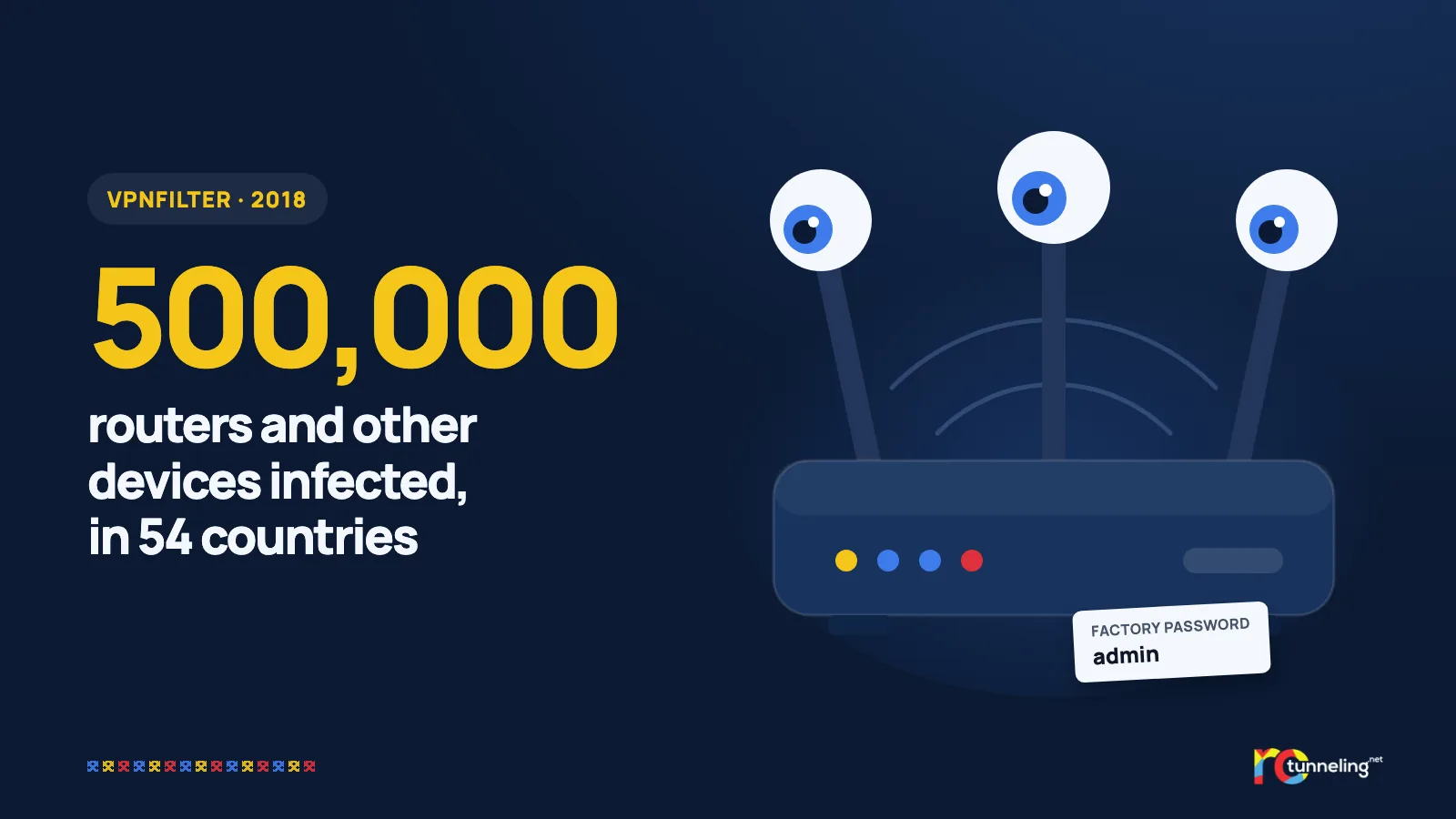
On 23 May 2018, Cisco Talos researchers announced that a spying program called VPNFilter had infected at least 500,000 devices in at least 54 countries. These were home and small-office routers from very common brands, plus network storage devices. A few weeks later, the list of affected brands grew.
The US Department of Justice attributed the attack to APT28, a group linked to the Russian government. The FBI got a court's approval to take control of a domain the attackers used to send commands. On 25 May 2018, the FBI made an unusual public appeal, asking all owners of home and office routers to restart them.
How it worked, step by step
- The program got into routers through known vulnerabilities and through passwords left at their factory setting.
- The first stage installed itself permanently and survived a restart.
- The later stages spied on traffic and stole passwords. One module tried to turn secure pages (HTTPS) into unencrypted ones (HTTP), so it could read and change what users sent.
- On command, the program could overwrite the router's software and destroy it for good.
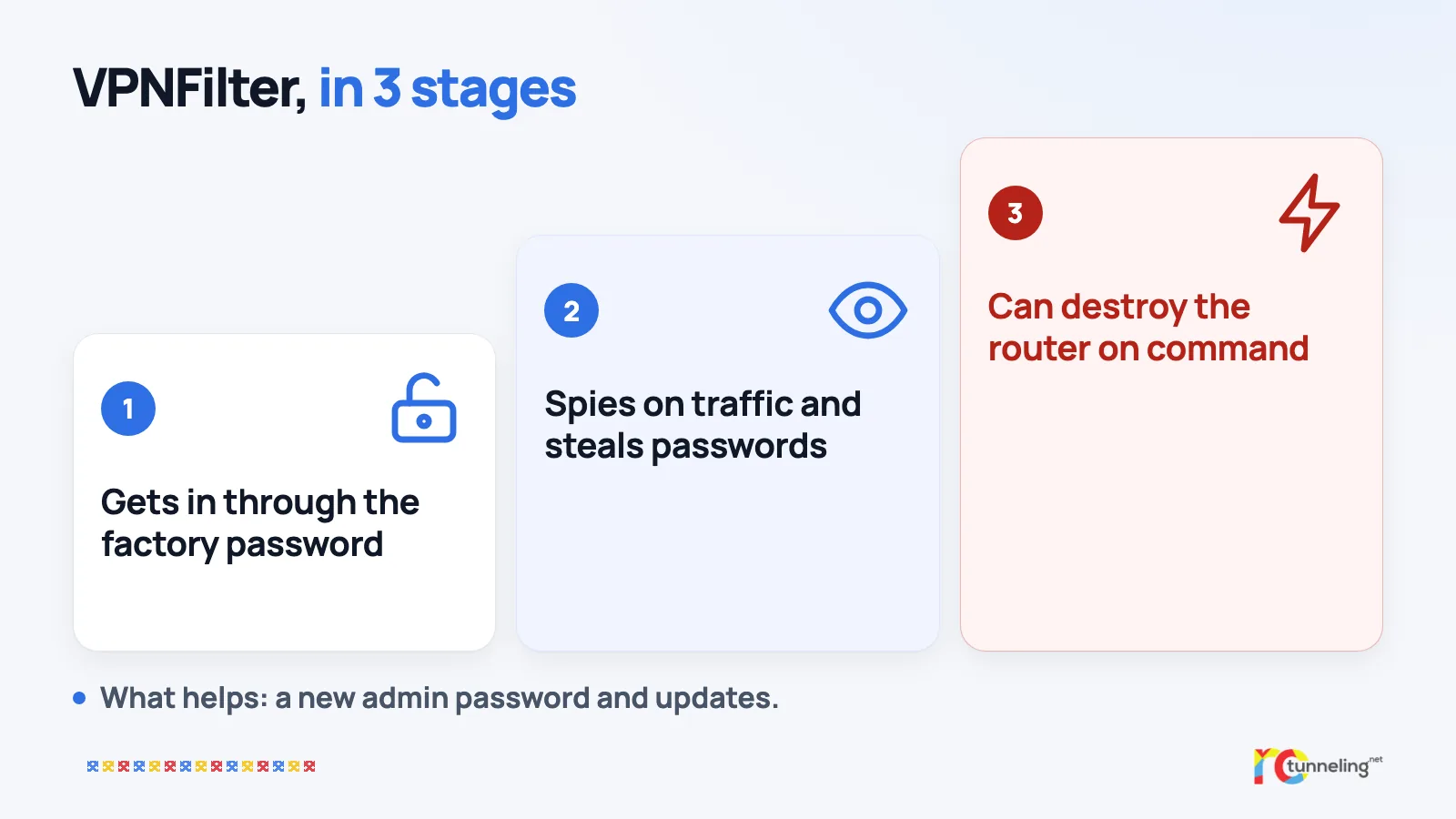
A restart wiped the dangerous stages and showed investigators how many routers were infected. The first stage stayed, though. The full fix was a factory reset followed by a software update.
What protects you
- Change your router's admin password. If it's still the one on the label or "admin", it's the first door attackers try.
- Update your router's software (the firmware). Many newer routers do this by themselves, so check in the admin page.
- Turn off remote administration if you don't use it.
- Replace very old routers that the manufacturer no longer updates.
- If you suspect something, do a factory reset and set up the router from scratch with a new password.
Where a VPN helps and where it doesn't
Here a VPN really helps. If the VPN runs on your phone or laptop, the router sees only encrypted traffic. Even an infected router can't read or change what you send, so the module that "broke" secure pages has nothing to work with.
A VPN won't clean the router, though, and it won't protect it from the destroy command. For that you still need a changed password, updates and, if needed, a reset.
RoTunneling in short
RoTunneling VPN encrypts your traffic right on your device, all the way to our servers. The network you pass through, whether it's your home router or the Wi-Fi at the office or hotel, sees only encrypted data. Our apps for Windows, macOS, Linux and Android also connect on restrictive networks that block VPNs. Your traffic leaves through a fast EU exit in Romania, our DNS protection stops malware, phishing and scam sites before they load and blocks some trackers, and we keep no browsing logs. We have been running since 2010. More at rotunneling.net.
Sources
- Cisco Talos, "New VPNFilter malware targets at least 500K networking devices worldwide", 23 May 2018: https://blog.talosintelligence.com/vpnfilter/
- Cisco Talos, update, 6 June 2018: https://blog.talosintelligence.com/vpnfilter-update/
- FBI / IC3, public service announcement I-052518-PSA, 25 May 2018: https://www.ic3.gov/PSA/2018/PSA180525